Turn off course notifications
This guide will show you how to turn off course email notifications for all your users within the portal. Log into the Portal. In the left navigation bar, click Settings. At the top, select the Gener…
This guide will show you how to turn off course email notifications for all your users within the portal.
- Log into the Portal.
- In the left navigation bar, click Settings.
- At the top, select the General tab.
- Scroll down to Course Notifications.
- Under Emails, switch the toggle to Off.
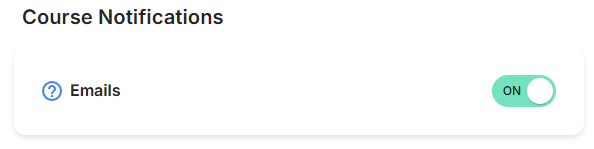
Once switched off, your users will no longer receive course email notifications.
How did we do?
Is Boxphish Certified for Cyber Essentials?
How to update a User's email?
