Creating Content packs
To create a Content Pack: Navigate to Content -> Course -> Content Packs -> Packs. Click Create Pack. Enter a name for your pack N.B. Content Pack names need to be unique, and won't save if another P…
To create a Content Pack:
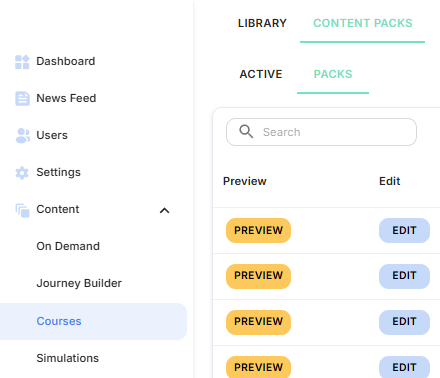
- Navigate to Content -> Course -> Content Packs -> Packs
- Click Create Pack
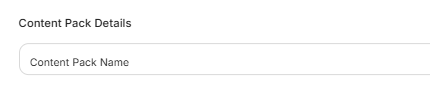
- Enter a name for your pack
- N.B. Content Pack names need to be unique, and won't save if another Pack exists with the exact same name. If you pack does not save, please try to suffix/prefix the name with your Tenancy name, or something unique to your tenancy!
- N.B. Content Pack names need to be unique, and won't save if another Pack exists with the exact same name. If you pack does not save, please try to suffix/prefix the name with your Tenancy name, or something unique to your tenancy!
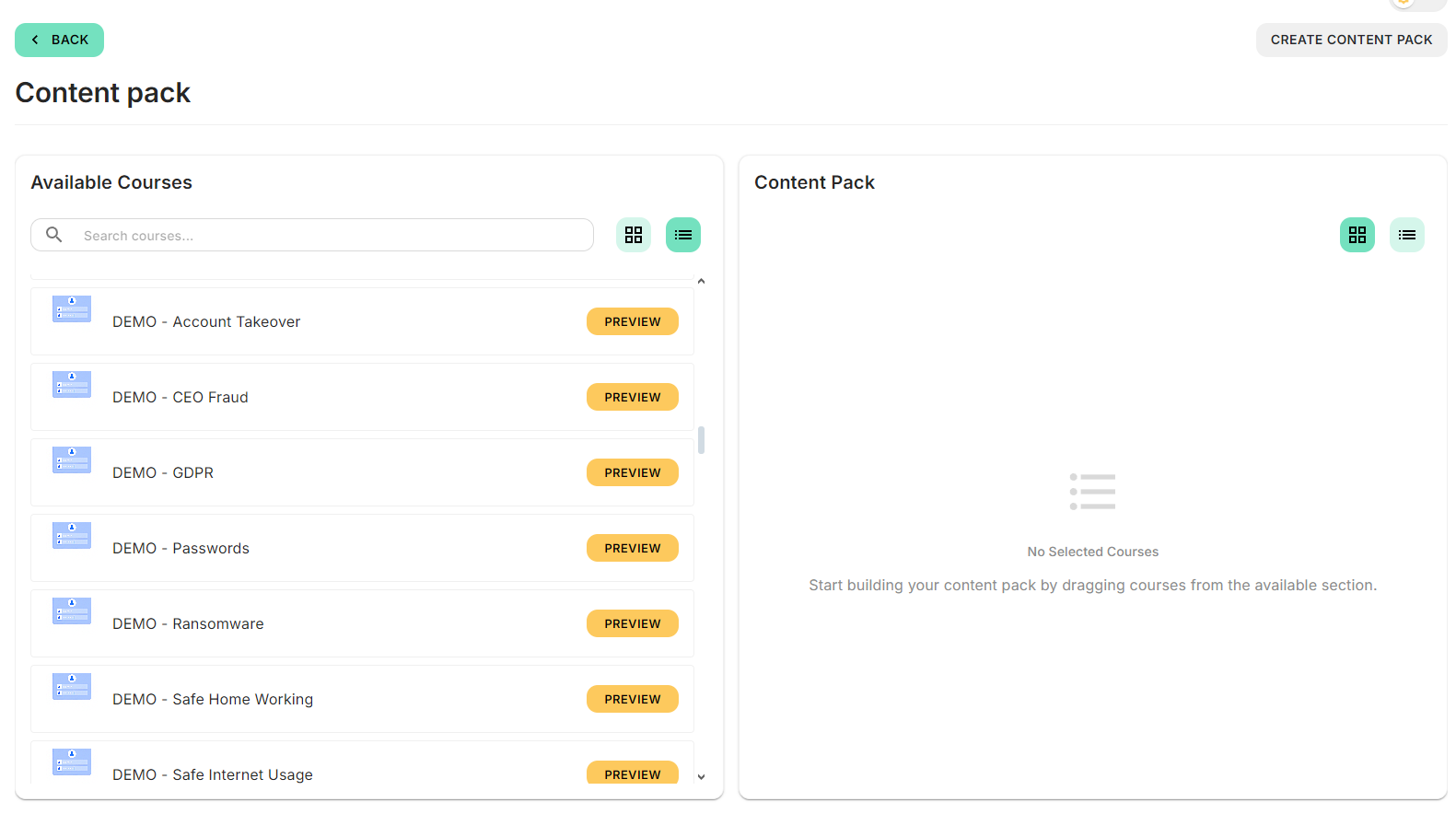
- Select the courses you want to include
- Configure any relevant settings
- Click Create Content Pack
Your Content Pack is now ready to be assigned.
Assigning a Content Pack
Once your Content Pack has been created, you will need to assign it to users.
Assignments can be configured using metadata or by selecting specific users.
You can also choose whether the Content Pack is sent immediately or applied based on user matching rules.
For full steps on assigning Content Packs, follow this guide: https://boxphishsupport.helpdocs.io/article/06dt7z6hww-assigning-content-packs
How did we do?
Assigning Content packs
